Who UVStack is for
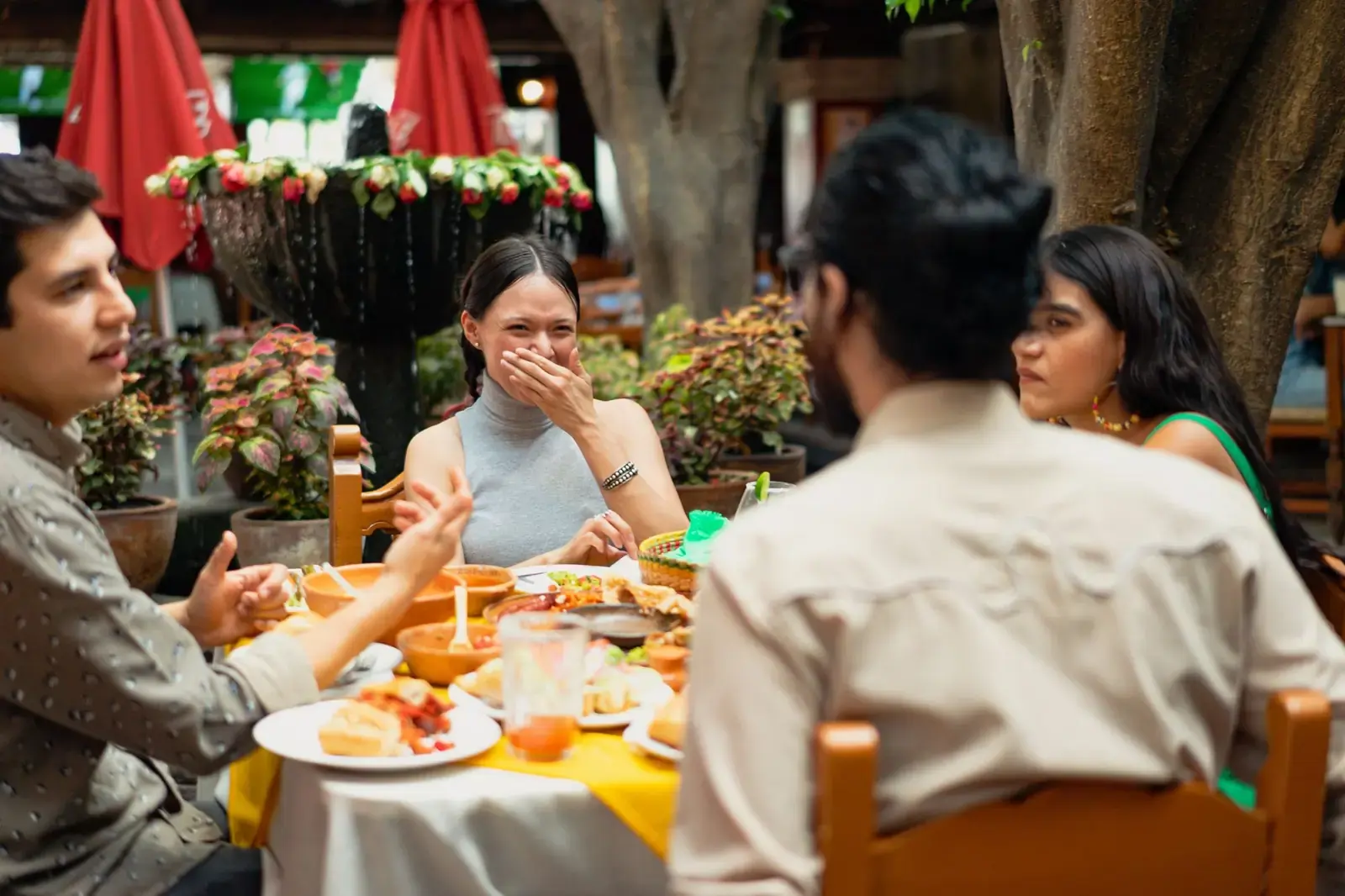
UVStack works for any restaurant that serves guests at tables. It helps most where servers are stretched thin, and where many guests don’t already know the dishes.
If you cook Chinese, Japanese, French, Indian or any other food that needs a few words of explanation, the section on cuisines is for you.
Busy restaurants
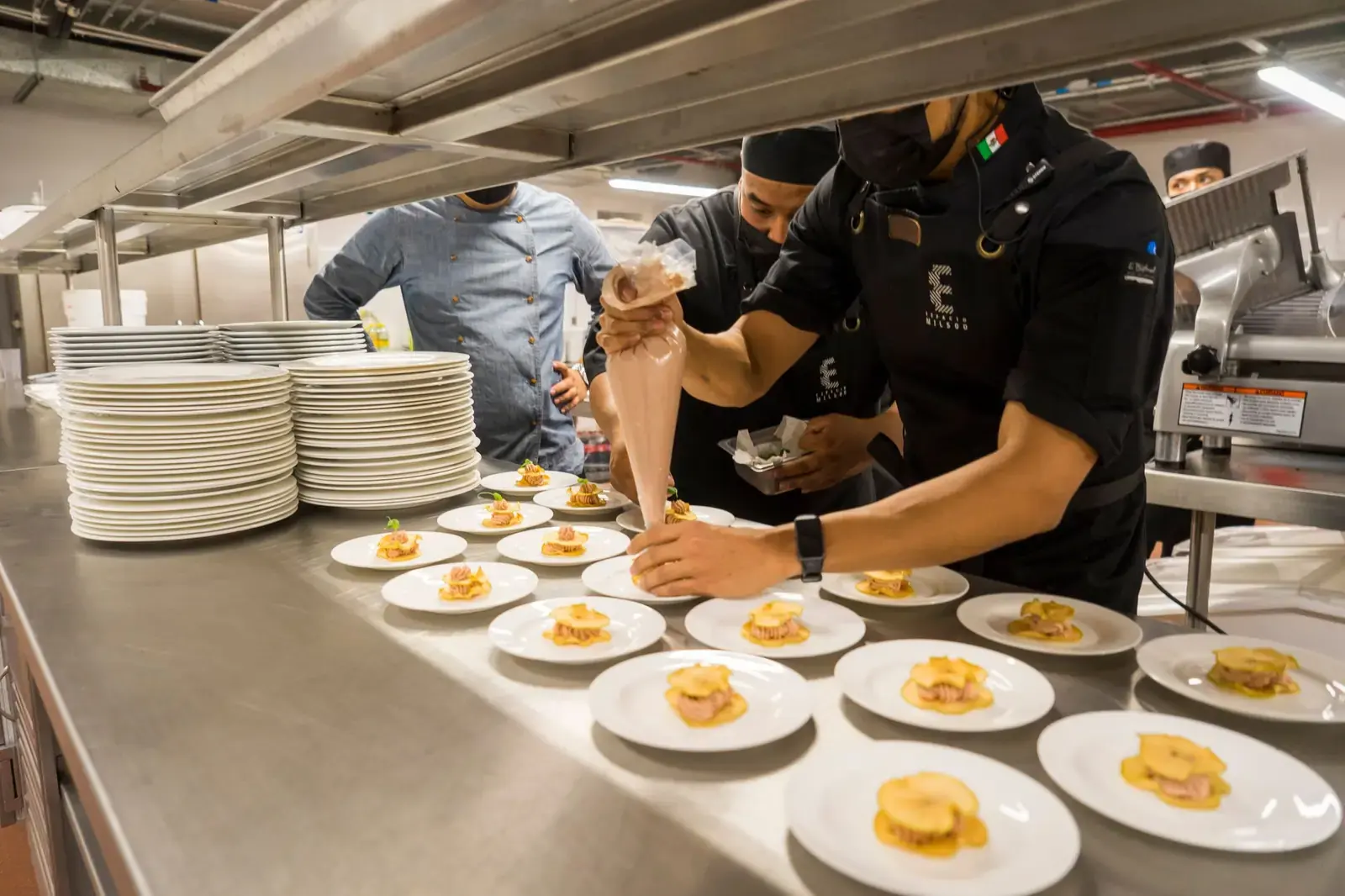
When every table wants something at once, the small questions cost the most time. “Is this spicy?” “What’s in it?” “What do you recommend?” Each one pulls a server off the floor.
Worth knowing: Someone still brings the food and handles payment. UVStack takes the repeated questions and the order-taking, so the same floor can be covered by fewer people.
Guests ask their phone first
The assistant answers routine questions about the menu, so a server isn’t stopped at a table for each one.
Orders arrive written down
Guests send the order themselves, with notes like “no onions”. It reaches the staff screen as they entered it, with the table number.
One screen shows what’s waiting
New, preparing and ready orders sit in columns, each with how long it has been waiting, so it’s clear which table is next.
Requests come sorted
Guests pick a reason when they call a waiter. Allergy concerns and problems are marked as priority and stay at the top until someone answers.
Restaurants short on staff
With fewer people on shift, each one covers more tables. What stretches them most is giving the same answers again and walking back and forth to take orders. UVStack moves both onto the guest’s phone, so you can run a shift with fewer servers.
Worth knowing: UVStack takes over the routine part of a server’s job: answering menu questions and taking the order. Someone still brings the food and handles payment, and how many servers you can do without depends on your restaurant.
Fewer servers for the same floor
A guest can look through the menu, ask about a dish and send an order without waiting for someone to come over. With that work off their hands, each server can cover more tables, so a shift can run with fewer servers and you spend less on wages. A guest can still call a waiter whenever they want one.
Answers come from your menu
The assistant answers from the menu you entered, not from what the person on shift happens to remember. A new hire doesn’t have to learn every dish in the first week.
Staff use what they already have
The staff screen runs in a web browser on any phone, tablet or computer, with nothing special to install.
Check in when you’re not there
The owner’s Live page shows sales so far today, orders, waiter calls and which tables are busy, on your phone.
Set up without a developer
Upload photos or a PDF of the menu you already have and UVStack reads it. You check it and print the table codes. If you’d like help with the first menu, ask.
Chinese, Japanese, French, Indian and other cuisines
If the names on your menu are new to a guest, they guess, order what they already know, or wait for a server to explain. The assistant can explain, as many times as they ask.
Worth knowing: The assistant is an AI, so it can make mistakes. For allergies it never says a dish is safe, and it sends the guest to a person to confirm.
Dishes explained in plain words
Ask about mapo tofu, coq au vin, okonomiyaki or saag paneer and the assistant says what the dish is, how it tastes and how it’s cooked. It uses your description and its general knowledge of the dish. What your kitchen does differently comes only from what you wrote.
Help choosing
Guests can ask how two dishes differ, or what to order on a first visit, and get suggestions from your actual menu.
Heat in your own words
Set how spicy a dish is, or let guests pick from levels you name, such as “Mild”, “Thai hot” or “Chef’s challenge”. Their choice goes on the order.
Ingredients and allergens spelled out
List what’s in each dish and what it contains. When the ingredients are unfamiliar, guests can ask. The assistant repeats only what you’ve listed and sends allergy questions to a staff member.
Pictures that help
Upload your own photo of a dish. Where there isn’t one, a picture can be matched from your Google listing or generated from the description. Generated pictures are labeled “AI-generated representation”.
Keep your own dish names
You don’t have to rename dishes to make them easier. Keep the names you use and let the assistant explain them.
See it explain a dish
A guest meets a dish they don’t know and asks about it in their own language. These are real replies from the assistant on a test restaurant’s menu. Pick one.
A guest at the table asks about Mapo Tofu (Chinese), in Spanish
¿Qué es el Mapo Tofu? ¿Es muy picante?
El Mapo Tofu es un plato chino clásico de tofu suave cocinado en una salsa de frijoles con chile, con un sabor picante y un puntito que deja la boca ligeramente entumecida. Es un plato bastante picante por naturaleza, aunque no tengo el dato exacto de qué tan fuerte lo hace esta cocina. ¿Te gustaría que te lo agregue al pedido?
Real replies from the assistant on a test restaurant’s menu, shortened. The assistant is an AI and can make mistakes. Where the menu didn’t say something, such as the ingredients, it said so and sent the guest to ask staff.
Guests who speak other languages
Not every guest reads the menu in the language it’s written in. They can type a question in the language they’re most comfortable with, and the assistant answers in it.
Worth knowing: UVStack doesn’t translate your menu. The menu appears the way you wrote it, and the assistant answers questions in the guest’s language.
Questions in their own language
It has answered a question about mapo tofu in Chinese, one about saag paneer in French and one about mapo tofu in Spanish. The guest doesn’t switch anything on.
Dietary labels you control
Tag dishes vegetarian, vegan, halal, kosher, gluten-free and more. The assistant repeats only the tags you’ve entered. It doesn’t decide on its own whether a dish meets a diet or a religious rule, and it tells the guest to confirm with staff.
No app, no account
A visitor and a regular use it the same way: scan the code and the menu opens in the browser.
A person is still one tap away
When a question needs a person, the guest taps “Call a waiter” and picks a reason from a list. Staff know what the table needs before they walk over, even if they share no language.
Where it stops
UVStack isn’t the right tool for everything. This is what stays with your team, so you can decide whether it fits.
Bringing the food
Someone still cooks the food and brings it to the table. They just don’t have to take orders or answer menu questions, so fewer people can cover the floor.
Payment
UVStack doesn’t take payment. Guests can ask for the check, and your staff bring it.
Allergy confirmation
The assistant sends allergy questions to a staff member, who confirms before the order goes in.
Your POS or kitchen printer
Orders appear on UVStack’s own staff screen. If you use a POS, your staff enter the order there too.
Set up UVStack for your restaurant
Creating an account takes about a minute. New accounts are locked until you enter an access code, so email or text us and we’ll send you one. If you’d like help with your first menu, just ask.