Benefits
What UVStack changes for guests, for your staff and for what you spend.
Guests handle the questions and the ordering themselves, so a restaurant can run with fewer servers and spend less. Start with what matters most to you.
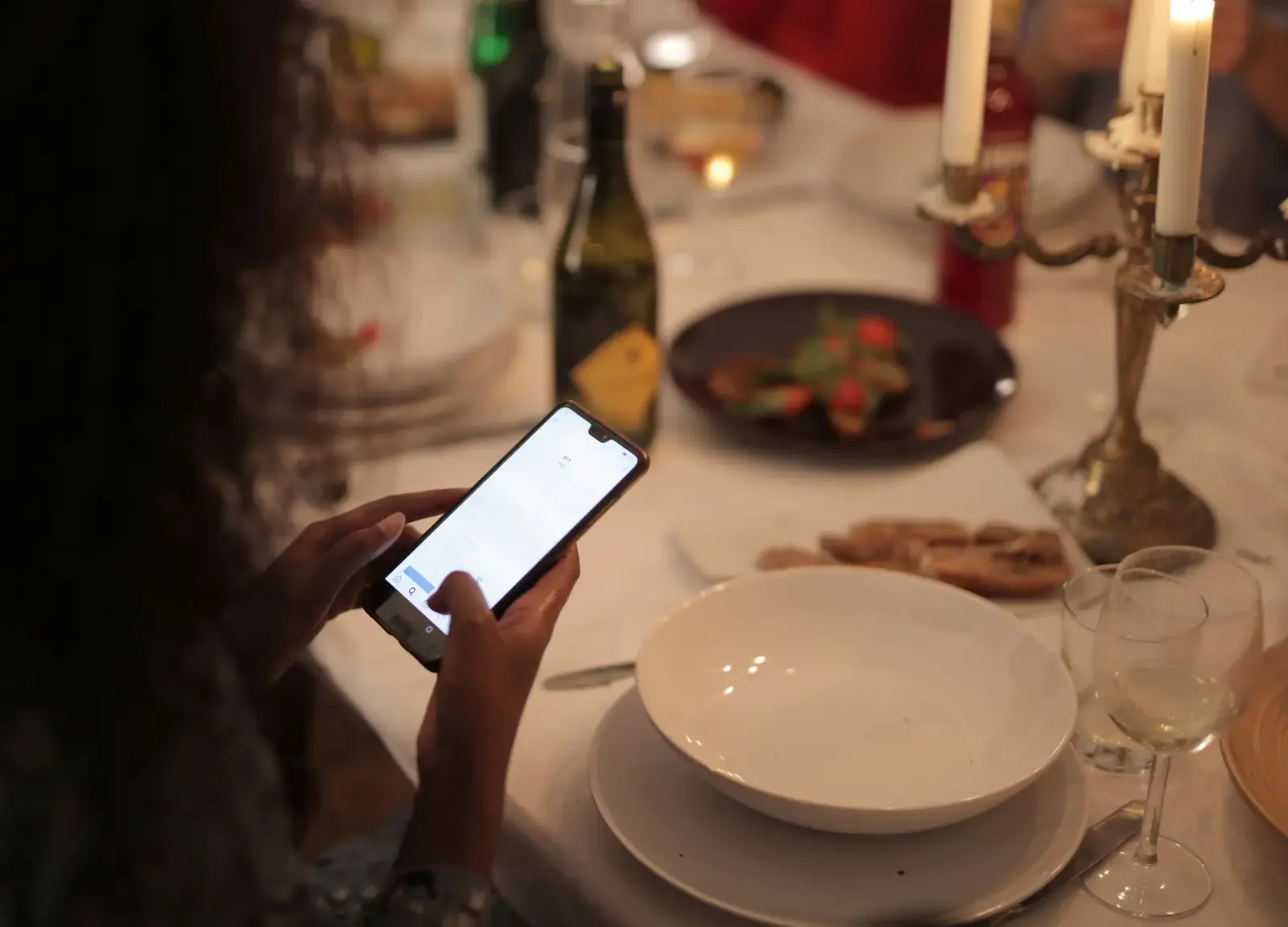
What matters to you?
Pick the one that sounds like your restaurant.
If this is you: “Staff costs are too high”
Fewer servers can cover the same floor.
- Guests ask the assistant their menu questions, so a server isn’t pulled to every table to answer them.
- Guests send their own orders, so servers don’t spend their shift writing them down and walking them in.
- With that work off their hands, each server can cover more tables, and a shift can run with fewer servers.
Where you spend less
Service staff are a big part of what a restaurant spends. When guests handle the questions and the ordering themselves, you need fewer servers on a shift, and that is where most of the saving comes from.
Worth knowing: how much you save depends on your restaurant: how many servers you have now, how busy you are and how many guests order on their phones.
Fewer servers on a shift
Guests ask questions and place orders on their own phones, so each server can cover more tables. You can schedule fewer of them, and spend less on wages.
Less time spent on training
The assistant answers from the menu you entered, so a new hire doesn’t have to memorize every dish and ingredient before their first shift.
Nothing to reprint
Change a price, add a special or mark a dish sold out and every table sees it. Printed menus don’t need redoing, and the codes on the tables stay the same.
Knowing what to drop
Analytics lists the dishes that almost never get ordered, and what guests ask for that isn’t on your menu, so you can decide what to stop making and what to add.
For guests
What changes at the table.
Questions answered at once
A guest who wonders what’s in a dish asks, and gets an answer from your menu, instead of waiting for a free server.
Ordering when they’re ready
They send the order from their seat, with notes, rather than trying to catch someone’s eye. A waiter is one tap away if they want a person.
Unfamiliar food made clear
Dishes are explained in plain words, in the language the guest writes in, so ordering something new feels less like a gamble.
Allergens in front of them
Allergens and dietary tags show on each dish. Allergy questions go to a staff member, who confirms before the order goes in.
Knowing where the order stands
Their phone shows the order moving from sent to preparing to ready as staff update it.
Nothing to install
They scan the code and the menu opens in the browser. No app and no account.
For staff
What changes on the floor and in the kitchen.
Fewer interruptions
Routine menu questions go to the assistant, so servers are stopped less often and can stay with the tables that need them.
Orders that are already written down
Each order arrives as the guest entered it, with the table number and their notes, so there’s nothing to decipher or ask again.
A clear view of what’s next
Orders are grouped as new, preparing and ready, each with how long it has waited, and a sound plays when a new one arrives.
Requests sorted by urgency
Waiter calls show why the guest needs someone, and allergy concerns and problems are marked as priority.
Works on devices they have
Staff sign in with their own password on a phone, tablet or computer.
For owners
What you can do and see.
Menu changes that reach guests right away
Change a price or mark a dish sold out and the next guest sees it. The printed table codes stay the same.
A record of what guests ask
Every conversation and order is saved. Analytics shows what guests ask about most, and you can read the conversations themselves.
Gaps in your menu, spotted
See what guests asked for that isn’t on your menu, and which dishes almost never get ordered.
A view from anywhere
The Live page shows sales so far today, orders, waiter calls and busy tables, so you can check in from your phone.
A say in how the assistant talks
Write instructions in plain language, such as what to recommend and what never to suggest. They apply from the next message a guest sends.
Menus on a schedule
Run separate breakfast, lunch and dinner menus, or a special for set dates, and the right one shows at the right time.
What stays with your team
UVStack takes over the routine part of a waiter’s job. These few things still need your team.
Bringing the food
Someone still cooks the food and brings it to the table. They just don’t have to take orders or answer menu questions, so fewer people can cover the floor.
Payment
UVStack doesn’t take payment. Guests can ask for the check, and your staff bring it.
Allergy confirmation
The assistant sends allergy questions to a staff member, who confirms before the order goes in.
Your POS or kitchen printer
Orders appear on UVStack’s own staff screen. If you use a POS, your staff enter the order there too.
Set up UVStack for your restaurant
Creating an account takes about a minute. New accounts are locked until you enter an access code, so email or text us and we’ll send you one. If you’d like help with your first menu, just ask.